Social media has
really exploded over recent years - now full of thriving communities, it's now
easier than ever to keep in touch with each other... It comes down to personal
preference on how public that you want this profile to be.
How does this refer
back to data visualisation?
Tableau has two
amazing offerings in the social media space; first, is it's fantastic
community, full of smart, friendly & helpful people who are more than
willing to help anyone they can. Second, is Tableau Public, the tool which
allows anyone to see and understand their data. I wrote a piece about this on
the Data School blog during Tableau Tip Week.
The idea behind this
particular blog post came when I was watching the recent Data School 2 client
project presentation for Connect2Help (which, incidentally, is a great advert
for the excellent work the Tableau Foundation can do). My colleague Ben Moss had
a great idea to help C2H connect to people who wanted to get involved, and
within the visualisation he created, I thought it could benefit from embedded
URLs to make it easier to contact & show support for C2H.
How is this done?
This particular
method (though, as with Tableau, I'm sure there are many ways to achieve this
goal) uses;
- Customised Tableau shape files
- URL actions
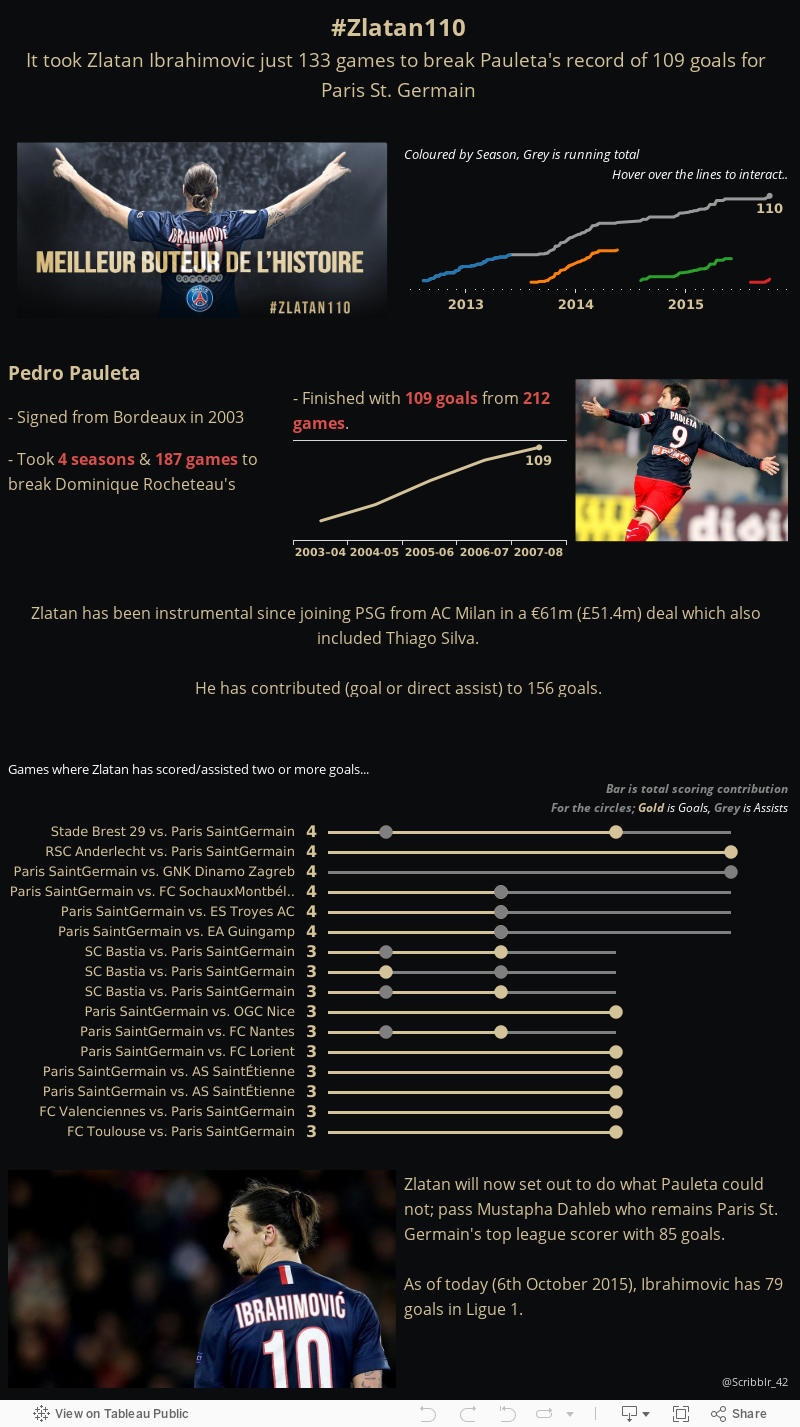
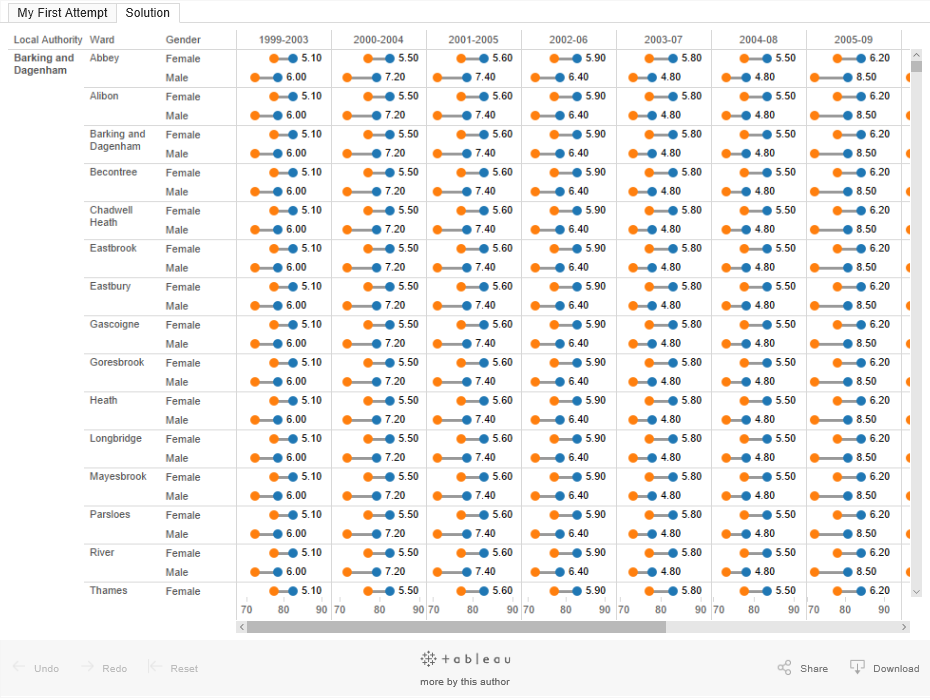
I used this method in the visualisation below with the Twitter logo in the bottom right.

The Custom Shape
Files bit
When creating a
visualisation, you are able to use the marks card to change the visualisation
to create a 'Shape' view. Tableau ships with a host of default shapes, many of
which are super useful and common. But sometimes, to create something really
bespoke, you want to use customised pictures, shapes or logos for instance -
Data School-er Lorna Eden has written a blog post on this recently - but this time, we're not going to use the custom shapes as a filter.
In this instance,
I'm going to show how you're able to add in Social Media logos in order to link
back to a customised link.
First, use Google
images to grab the images you want - The smaller the better, as large files can
a) subsequently increase the size of your Tableau file and
b) can impact the performance of a workbook with many images as it can take time rendering the views.
b) can impact the performance of a workbook with many images as it can take time rendering the views.
Transparent images also work well, as you may want to have different coloured
backgrounds behind the shape.

Save these to a new
Folder that you've created in your 'Shapes' folder within the My Tableau
Repository folder (see image) - You can perhaps name the folder Custom Shapes before
saving your shape files to it.

Then (the slightly
annoying part) for this to work, you have to restart Tableau so it will read
the new Folder you've added to the Shapes folder in your Tableau Repository.
Continue making your
visualisation as normal, and select the relevant shape - I usually use the a dummy value such as '1' in a calculated field, change the visualisation type to 'Shape' and drag it onto the Marks card on Shape. Then you're able to drop down to your desired Tableau shape file and select your desired shape.

This is when the 'magic' happens.
Once your shape, or shapes are
on the dashboard, you can use a URL action to add some follow links

For instance, my
Twitter handle is @Scribblr_42 - Using the Twitter Developers page, I
discovered a thing called 'Intents'. These basically add 'intentions' to
follow, or tweet specific things upon the target's login.
I'll give two
examples; the first was the one I used in the visualisation at the start of this post (Click through to see what it produces);
The key part here is
the "http://twitter.com/intent/tweet?text="
part - after this, you need to compose the tweet you want, but in URL encoding
language. For this, I used http://meyerweb.com/eric/tools/dencoder/
- just type in what you the pre-composed tweet to say, and press Encode. Then
attach it to the end of that link, and add &source=webclient
Here's a handy cheat
link;
The second, is the
intention to follow - What this does is once this link is followed, the user is
given the option to login and follow your account;
https://twitter.com/intent/follow?screen_name=NASA
(obviously replace NASA with your own Twitter handle - without the '@' symbol)
Other options could be to add an e-mail prompt; By using the 'mailto:scribblr42@gmail.com' (for example) basically prompts your computer to choose the local e-mail client and e-mail the address provided (after the colon; again, have a click and see what happens)
When you've got these links, simply navigate to the URL dashboard actions, and you need to select the source sheet (the sheet which contains the shape or text which wants to be clicked on) and then add the URL below it.

There's actually some very cool things you're able to do with the URL action, using parameters which allow the links to be customised to a degree. But this is the journey of discovery which you can find yourself on using Tableau!
When you've got these links, simply navigate to the URL dashboard actions, and you need to select the source sheet (the sheet which contains the shape or text which wants to be clicked on) and then add the URL below it.

There's actually some very cool things you're able to do with the URL action, using parameters which allow the links to be customised to a degree. But this is the journey of discovery which you can find yourself on using Tableau!
There are probably
multiple other hyperlinks you can add, but a really simple way could be just to
embed a link to page. I hope you find this useful as a method of linking your visualisations either back to your own social media, or to other areas of the internet which are relevant to the viz.